
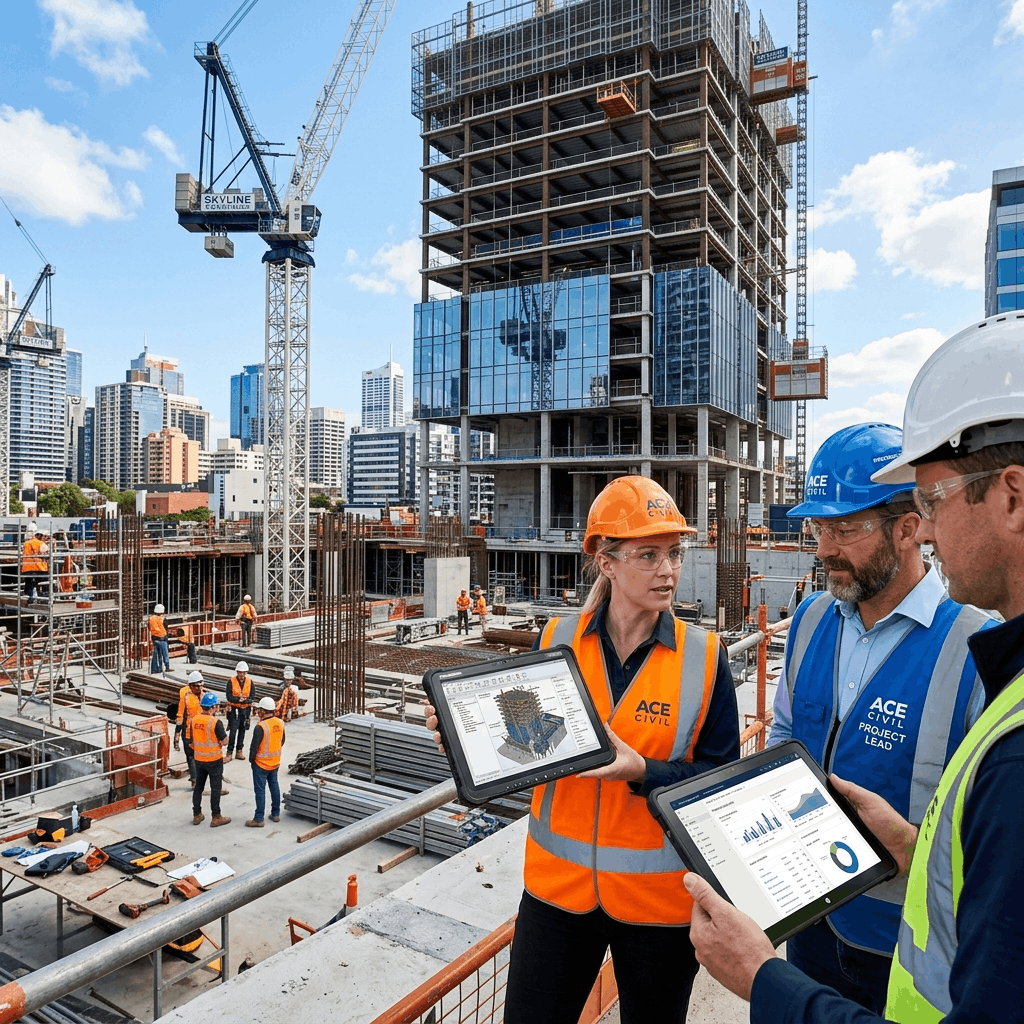
The construction industry operates unlike almost any other business sector on earth. A traditional manufacturer produces goods in a stationary, highly controlled environment. A construction firm, however, produces massive, highly customized products (buildings, bridges, infrastructure) in completely uncontrolled environments, relying heavily on third-party labor, massive mobile equipment, and fragmented supply chains.
Because the operational model is so unique, traditional "generic" accounting or enterprise software simply breaks down when applied to a construction firm. In this guide, we explore exactly what features make for the best ERP (Enterprise Resource Planning) software for the construction industry, and how specialized technology ensures projects stay on time and under budget.
The Unique Chaos of Construction Management
When a construction project goes over budget, it rarely happens in one massive catastrophic event. It happens by "a death of a thousand cuts." An excavator breaks down and sits idle for two days. A subcontractor bills for work that wasn't actually completed. A project manager orders too much cement because they couldn't see the real-time inventory levels from their phone.
Without a specialized centralized database, the executive team in the back office has absolutely no idea that these micro-losses are occurring until the project is over and the final accounting is tallied—at which point, it is far too late to fix the profit margin. A true construction ERP prevents this by connecting the field directly to the office.
1. Granular Job Costing & Budgeting
The single most important feature of any construction ERP is its job costing engine. Generic accounting software tracks expenses by department (e.g., "Marketing" or "Payroll"). Construction software must track expenses by the specific phase of a specific project (e.g., "Project A -> Foundation -> Rebar Labor").
A robust ERP allows estimators to build incredibly detailed budgets. As the project progresses, every single purchase order, every hour of employee labor, and every equipment rental fee is automatically coded against that specific budget line item. This provides project managers with real-time "Budget vs. Actual" dashboards. If the framing phase is trending 15% over budget by week two, management knows immediately and can intervene before the entire project's profitability is wiped out.
2. Comprehensive Subcontractor Management
General Contractors rely heavily on specialized subcontractors to complete massive projects. Managing these relationships manually is a logistical nightmare loaded with financial risk.
The best construction ERPs feature dedicated subcontractor portals. Subcontractors can log in to view project blueprints, submit bids, and submit their invoices. More importantly, the ERP tracks their compliance documents. If a subcontractor's liability insurance expires mid-project, the ERP will automatically flag their account and physically prevent the accounting department from cutting them their next check until the updated insurance certificate is uploaded.
3. Equipment and Asset Tracking
Heavy machinery (cranes, excavators, bulldozers) represents a massive capital investment for construction firms. In a generic system, this equipment is just a depreciating asset on the balance sheet. In a construction ERP, equipment is treated almost like an employee.
The ERP tracks exactly which job site a bulldozer is currently located on. When the bulldozer is used on Project A for 8 hours, the ERP automatically charges an internal "rental rate" for that bulldozer directly to Project A's job costs. Furthermore, it tracks engine hours and schedules preventative maintenance, ensuring a critical crane doesn't break down during a critical lift.
Take Control of Your Job Costs
Stop relying on lagging indicators. Manage your labor, materials, and subcontractor expenses in real-time with Delight ERP.
Talk to our Experts → Explore Construction ERP4. Mobile Field Connectivity
A construction ERP is useless if it can only be accessed from a desktop computer in the corporate headquarters. The actual work happens in the mud, miles away from the office.
The best systems feature fully responsive, native mobile applications. A site superintendent standing in the rain should be able to pull out an iPad, log the daily weather conditions, take photos of completed work, approve the plumbing subcontractor's timesheet, and submit a digital purchase order for more lumber—all seamlessly syncing to the central database in real-time.
5. AIA Billing and Complex Invoicing
Billing in the construction industry is famously complex. Contractors rarely bill for a finished product; they utilize "Progressive Billing" (often using standardized AIA G702/G703 formats) based on the percentage of completion for various phases of the project.
Furthermore, they must manage "Retainage"—a percentage of the payment withheld by the client until the very end of the project to ensure satisfactory completion. A dedicated construction ERP automates this entire convoluted process, automatically generating compliant invoices based on the project manager's reported completion percentages and securely tracking all retainage balances across dozens of ongoing jobs.
Choosing Your Digital Foundation
You would never attempt to build a fifty-story skyscraper on a foundation designed for a single-family home. The same logic applies to your corporate software. Attempting to manage a multimillion-dollar, multi-year construction firm using basic bookkeeping software is a structural failure waiting to happen.
To protect your profit margins and scale your operations safely, you must invest in an industry-specific ERP designed to handle the mobile, fragmented, and cost-intensive realities of the modern job site. At Delight ERP, we provide tailored, deeply customizable Cloud ERP solutions that give construction leaders total control over their projects from the ground up.
Streamline operations, reduce costs, and scale faster with Delight ERP.