
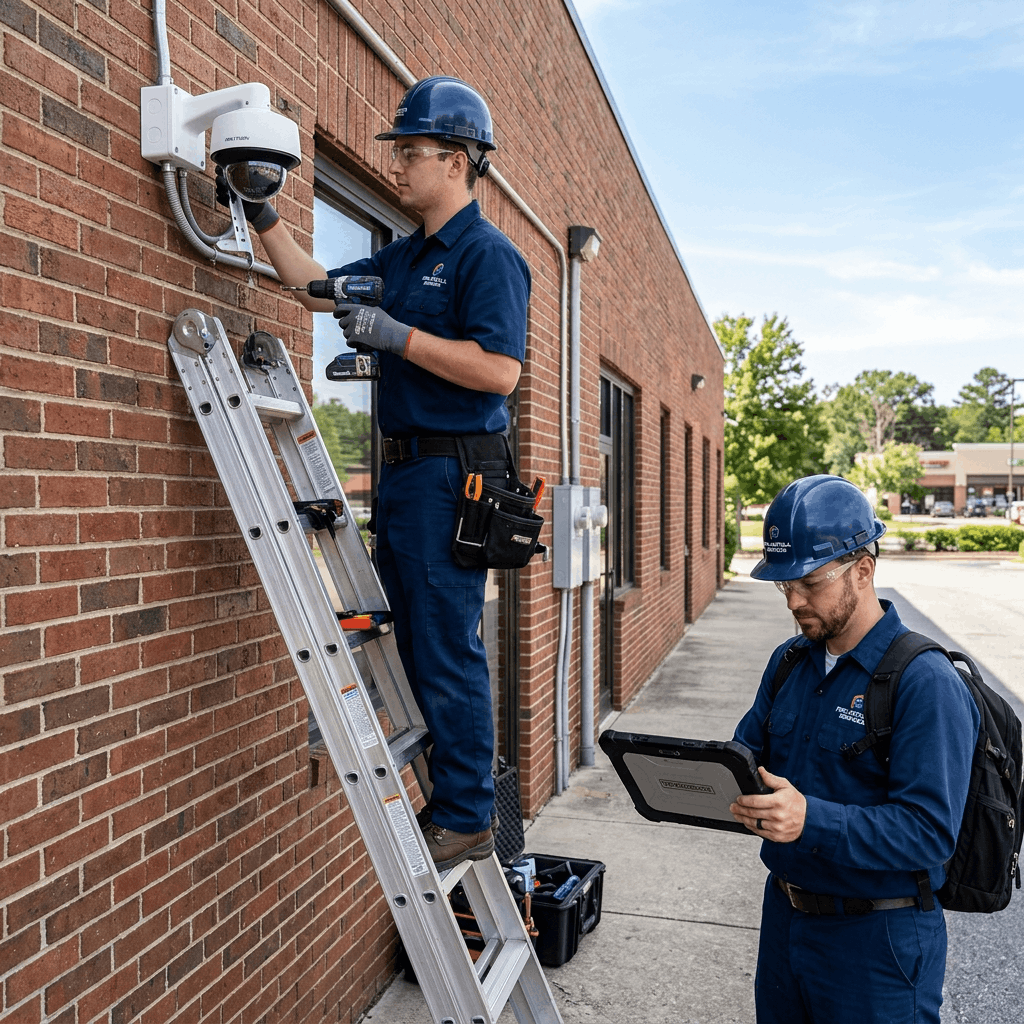
The Chaos of the Security Industry
The electronic security and CCTV industry is booming. However, installing the cameras is only 20% of the business. The remaining 80% is the long-term maintenance: cleaning lenses, replacing burnt-out DVR hard drives, fixing cut cables, and realigning cameras after storms.
Most local CCTV companies run their operations using a mix of WhatsApp groups and notebooks. When a client calls to say "Camera 4 is offline," the owner has to frantically search through old paper invoices to figure out what kind of camera was installed, when the warranty expires, and which technician is available to go fix it.
To scale from a local 3-man operation into a massive, highly-profitable security firm, you need a specialized Service CRM. Here is how a Service CRM fundamentally professionalizes and scales a CCTV business.
Phase 1: Flawless AMC Renewal Tracking
Just like the RO water purifier industry, the true wealth in the CCTV business comes from Annual Maintenance Contracts (AMCs). An enterprise client with 50 cameras will happily pay an annual fee to ensure their security system is always online.
A Service CRM automates your AMC revenue. When you sign an AMC, the contract details are logged into the CRM. Exactly 30 days before the contract expires, the system wakes up. It automatically generates a professional renewal quotation and emails it to the client.
Simultaneously, the CRM alerts your sales team to make a follow-up call. Because the process is entirely automated, you never "forget" to bill a client, instantly increasing your recurring revenue by capturing 100% of your renewals.
Phase 2: Serial Number & Warranty Management
A client calls and demands a free replacement for a broken IP camera. Is it still under warranty? If you have to dig through paper files to find out, you are losing money. Many businesses end up giving away free hardware just to keep the customer happy because they can't prove the warranty expired.
A CRM creates an impenetrable digital paper trail. When a technician installs a camera, they use the CRM mobile app to scan the barcode on the box. The CRM permanently links that specific Serial Number to that specific client site, recording the exact 1-year warranty expiration date.
When the client calls 14 months later, your dispatcher types in their name. The CRM instantly flags the camera as "Out of Warranty," allowing the dispatcher to confidently inform the client that there will be a hardware replacement fee.
Phase 3: Multi-Site Corporate Accounts
If you secure a contract with a retail chain that has 15 different store locations, managing their service requests via WhatsApp is impossible. The store manager in Location A doesn't care what is happening in Location B.
A CRM provides "Parent-Child" account architecture. The Corporate Headquarters is the Parent Account (where the invoices go). The 15 individual stores are Child Accounts. If Camera 2 breaks at Store A, the local manager logs a ticket against Store A. The technician is dispatched specifically to that location, but the final invoice rolls up seamlessly to the Corporate Headquarters.
This allows you to provide enterprise-grade reporting to your biggest clients, showing them exactly how many service calls were made to each of their locations over the year.
Phase 4: Mobile Tools for Field Technicians
A technician arrives at a site, fixes the DVR, and leaves. Two days later, the client calls to complain that the technician left a massive mess of wires on the floor and damaged the wall.
A CRM holds technicians accountable. Using the mobile CRM app, the technician is required to take "Before" and "After" photos of the installation or repair. These photos are uploaded instantly to the client's file in the CRM.
Before leaving, the technician hands the tablet to the client to sign a digital "Job Completion Report." If the client complains later, you have photographic proof and a digital signature verifying the quality of the work.
Phase 5: Consumable Inventory Tracking
CCTV installation requires massive amounts of consumables: Cat6 cable, BNC connectors, power supplies, and junction boxes. If a technician pulls 100 meters of cable from their van but forgets to write it on the invoice, your business eats the cost.
A Service CRM integrates deeply with your inventory. When the technician completes the job on their app, they input: Used 1 IP Camera, 1 Power Supply, and 45 meters of cable. The CRM instantly deducts these items from the technician's van inventory and automatically adds them to the client's final invoice. You never lose a single connector again.
Conclusion: Securing Your Own Revenue
You are in the business of securing other people's assets. It is time to secure your own revenue. Relying on paper, memory, and WhatsApp to manage a growing fleet of field technicians and thousands of active warranties is a massive security risk to your own business.
A Service CRM professionalizes your entire operation. It ensures you bill for every meter of cable, renew every AMC contract on time, and provide an enterprise-level experience to your clients.
At Delight ERP, we provide the ultimate Service CRM designed to handle the complex, multi-site demands of the electronic security and CCTV industry.
Streamline operations, reduce costs, and scale faster with Delight ERP.