
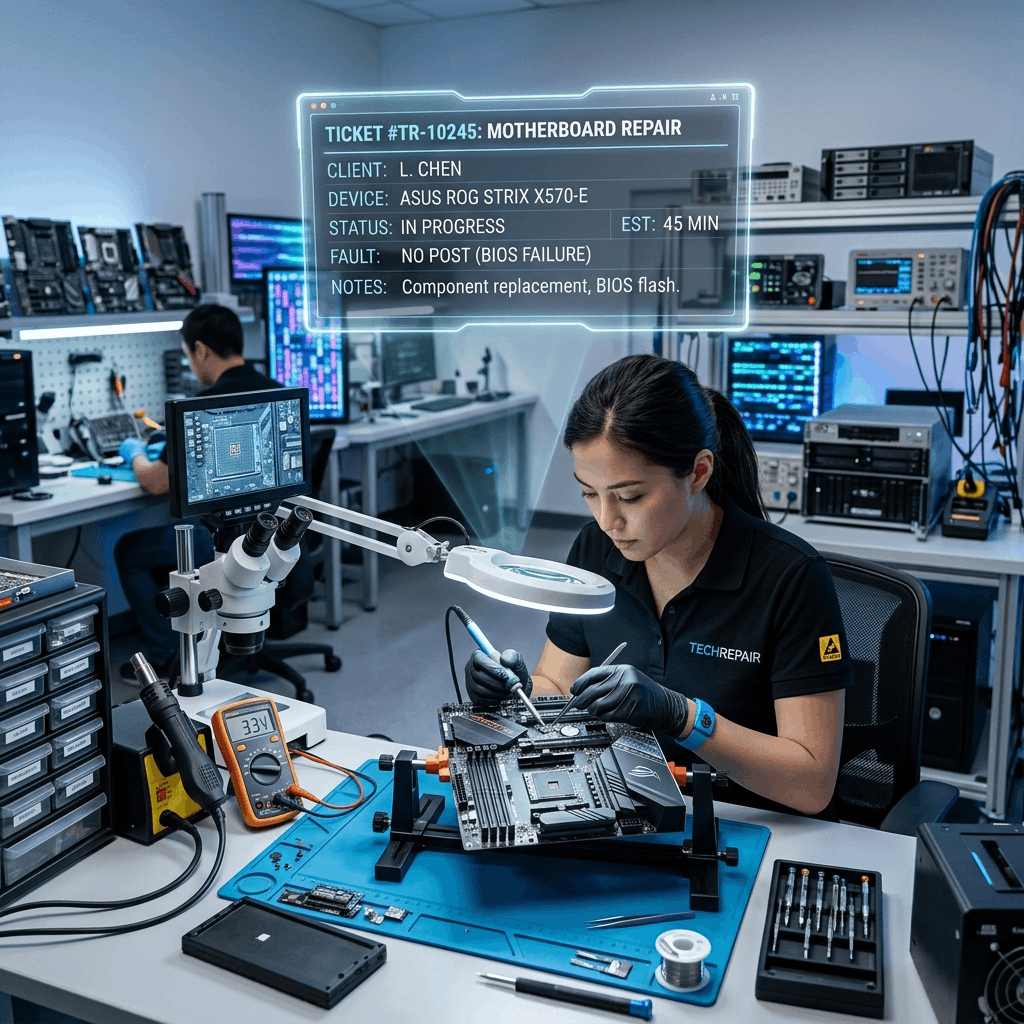
The Chaos of the Repair Bench
Running a computer repair shop or an IT Managed Service Provider (MSP) is a highly technical, fast-paced business. On any given day, your shop might have 30 different laptops sitting on the bench in various states of repair. One is waiting for a new motherboard from a supplier; another is running a 12-hour data recovery scan; a third is ready for pickup but the customer hasn't been notified.
If you try to manage this workflow using sticky notes taped to the laptops and a shared Excel spreadsheet, you will inevitably lose data, order the wrong parts, and infuriate your clients by missing repair deadlines.
To scale an IT repair business from a chaotic local shop into a professional service center, you must digitize your workflow using a specialized Service CRM. Here is how it transforms your operations.
Phase 1: Centralized Ticketing System
When a client has a computer issue, they might call your shop, send a WhatsApp message, or email your generic 'support@' address. If your technicians are checking three different platforms, messages will be missed.
A Service CRM acts as a unified ticketing board. Regardless of how the client contacts you, the CRM automatically converts the message into a formal "Ticket." This ticket serves as the single source of truth for the repair. It contains the client's details, the device serial number, the reported issue, and a chronological log of every action taken by any technician who touches the device.
A manager can look at the Kanban board in the CRM and instantly see how many tickets are in "Diagnostics," how many are "Waiting for Parts," and how many are "Ready for Pickup."
Phase 2: Enforcing SLA (Service Level Agreements)
If you service corporate clients, you likely have strict SLAs in your contracts. If a local accounting firm's server goes down during tax season, you might be contractually obligated to have a technician on-site within 4 hours.
If you miss that deadline, you lose the contract. A Service CRM automates SLA tracking. The moment a high-priority ticket is created for an AMC client, a countdown timer begins. If the ticket is not marked as "In Progress" within 3 hours, the CRM flashes red and automatically sends an escalation SMS to the business owner, ensuring the deadline is never breached.
Phase 3: Automated Diagnostic Quotes
One of the biggest bottlenecks in computer repair is getting the client to approve the repair cost. A technician diagnoses the issue (e.g., a dead hard drive), writes down a quote on paper, hands it to the receptionist, who then calls the client, gets their voicemail, and waits two days for a call back.
A CRM digitizes the approval workflow. The technician finishes the diagnostic and enters the required parts into the CRM ticket. The CRM instantly generates a professional PDF quotation and emails/WhatsApps it to the client with a secure "Click to Approve" button.
The moment the client clicks "Approve" on their phone, the ticket automatically moves to the "Approved for Repair" column on the technician's dashboard. No phone calls required.
Phase 4: Granular Hardware Inventory Tracking
Computer repair requires tracking hundreds of incredibly specific SKUs: DDR4 RAM, specific NVMe SSDs, various thermal pastes, and specialized motherboard capacitors. If a technician uses a 1TB SSD to fix a laptop but forgets to bill the customer for it, your profit for the entire day is wiped out.
A CRM integrated with an ERP prevents inventory leakage. When the technician generates the repair quote inside the ticket, they select the exact SSD from the digital inventory list. The system checks if it is in stock. When the repair is complete, the CRM automatically deducts that SSD from your physical inventory and permanently attaches it to the client's invoice.
Phase 5: Corporate AMC Management
While fixing individual consumer laptops is fine, the real money is in B2B Annual Maintenance Contracts (AMCs). You might charge a local school ₹50,000 a year to maintain their 100 computers.
A Service CRM manages complex B2B billing. It automatically generates the monthly or annual AMC invoice. Furthermore, if a student physically breaks a laptop screen (which is generally NOT covered by a standard AMC), the CRM allows the technician to easily flag that specific repair as "Out of Contract Billable." At the end of the month, the CRM generates one unified invoice for the school: the standard AMC fee, plus the extra cost of the broken screen.
Conclusion: Evolving into an MSP
If you want to evolve from a local "computer repair guy" into a professional Managed Service Provider (MSP) that handles lucrative corporate contracts, you must look the part. You cannot manage enterprise SLAs using a notebook.
A Service CRM professionalizes your entire workflow—from the moment a broken laptop walks in the door, through the diagnostic and approval phases, to the final automated invoice.
At Delight ERP, we provide the intelligent ticketing, inventory, and SLA tracking tools that modern IT businesses need to scale their operations efficiently.
Streamline operations, reduce costs, and scale faster with Delight ERP.