
In This Article
Beyond the Spreadsheet: Upgrading Your Tech
There comes a breaking point in every successful product-based business where managing inventory via Excel spreadsheets or basic accounting software simply stops working. The symptoms are obvious: you are constantly running out of popular items, your warehouse staff can't find products that the system says exist, and physical inventory counts take days to complete.
When you reach this point, you must upgrade to a dedicated Inventory Management System (or better yet, a comprehensive Supply Chain Management ERP). But the software market is flooded with options. To ensure you make a profitable investment, you must evaluate software based on its ability to automate the heavy lifting. Here are the essential features you cannot compromise on.
1. Real-Time, Automated Stock Tracking
A system that requires manual data entry to deduct inventory at the end of the day is useless. The most critical feature you need is real-time automation across all your sales channels.
If a customer buys a product on your eCommerce website, the inventory system must instantly deduct that item from the available warehouse count. If a B2B client buys the same item through your CRM Software five minutes later, the system must reflect the updated, accurate quantity. Real-time synchronization is the only way to completely eliminate accidental overselling and backorders.
2. Native Barcode and RFID Integration
Human error is the enemy of accurate inventory. If a warehouse worker is manually typing SKU numbers into a keyboard, mistakes will happen. A "1" becomes a "7," and suddenly your digital records do not match physical reality.
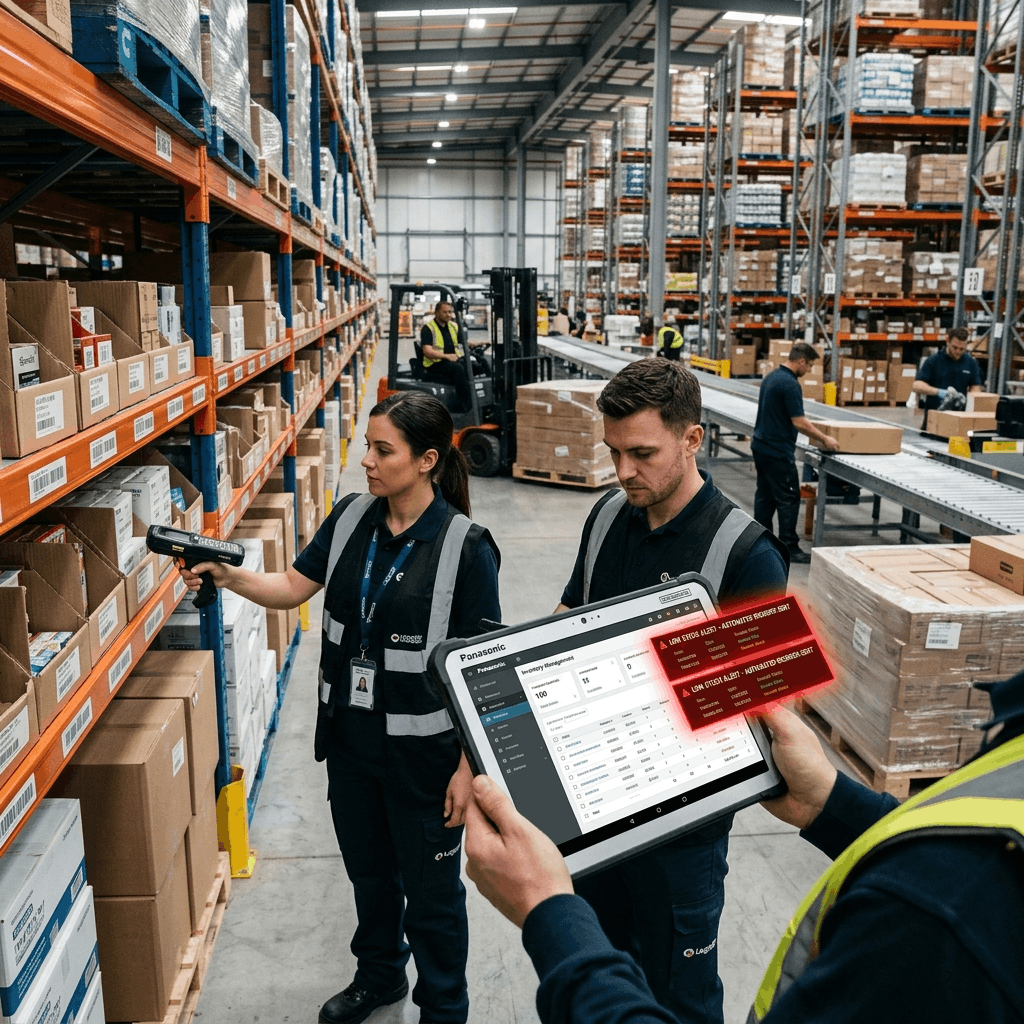
Your new inventory system must seamlessly integrate with barcode scanners (or RFID technology). When a shipment arrives from a supplier, workers should simply scan the pallets to instantly receive the goods into the system. During order fulfillment, scanning the item before it goes into the shipping box acts as an automated quality control check, ensuring the customer receives exactly what they ordered.
3. Automated Reorder Points and Purchasing
Purchasing managers should not spend their days hunting through data trying to figure out what needs to be ordered. The software should do the hunting for them.
Look for a system that supports automated reorder points. You establish a minimum threshold for every SKU based on its sales velocity and the supplier's lead time. When the stock drops below that threshold, the system automatically alerts the purchasing team. Advanced ERP systems will go a step further and automatically generate a draft Purchase Order, requiring only a single click from a manager to send it to the vendor.
4. Multi-Location and Warehouse Management
Even if you only have one warehouse right now, your software must be capable of scaling with you. If you open a second distribution center or start holding inventory in physical retail stores, a basic inventory system will break.
You need "Multi-Location" capabilities. The system must allow head office to view the aggregate inventory of the entire company, while also allowing you to drill down into the specific stock levels of Warehouse A versus Retail Store B. It should also facilitate and track internal stock transfers between these locations automatically.
5. Advanced Analytics and Demand Forecasting
Inventory management is not just about knowing what you have today; it is about predicting what you will need tomorrow. Basic systems act only as a digital ledger. Advanced systems act as a crystal ball.
Your system should provide robust analytics dashboards. It should identify your fast-moving, high-margin products (your cash cows) and flag slow-moving inventory before it becomes dead stock. Furthermore, it should utilize historical sales data, factoring in seasonality, to generate demand forecasts, allowing you to purchase inventory proactively rather than reactively.
The Ultimate Feature: Full ERP Integration
While standalone inventory software is better than spreadsheets, the ultimate solution is an inventory module that is natively integrated into a Cloud ERP Software system.
When inventory is part of an ERP, it talks directly to your accounting department. The moment inventory is received, the value of your assets increases on the balance sheet automatically. When a product is sold, the Cost of Goods Sold (COGS) is instantly calculated. By utilizing a unified platform like Delight ERP, you eliminate data silos entirely, ensuring that your sales, warehouse, and finance teams are always operating from the exact same playbook.
Frequently Asked Questions
Streamline operations, reduce costs, and scale faster with Delight ERP.